Firmware – Remote Control
Firmware
The firmware is a bare metal system written in C/C++ using ST’s Cube IDE. The remote system is built on a framework which I have since used for several other projects.
Remote control
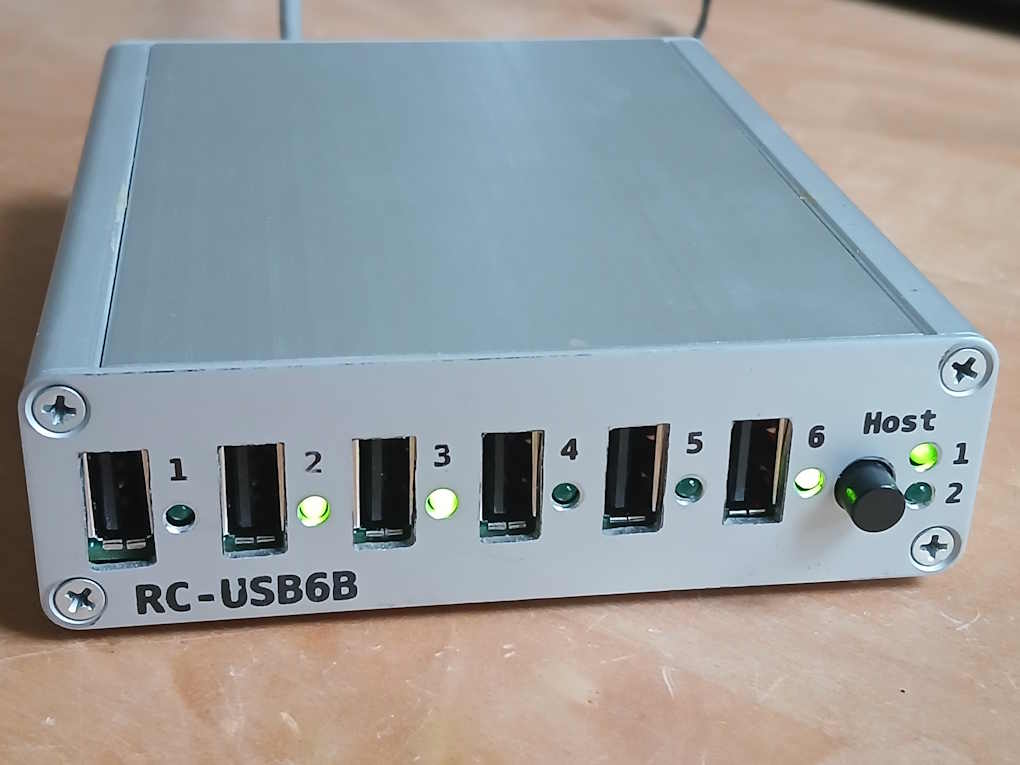
The device can be remote controlled via its USB interface. To a host it is visible as a composite USB device with a USBTMC interface and a CDC (serial) interface. The language used is SCPI.
Example:
Switch the port 2 on: PORT2 ON
Read port 2 state: PORT2?
Returns 1.
This is a list of selected commands. To get the full list use command „SYSTem:HELP:HEADers?“. A description of all commands is available in the manual in the download package.
| PORT | Get/set the name of the port |
| PORT | Get/set port state |
| PORT | Toggle port state on/off |
| PPATtern? | Get/set all port states at once |
| NPORts?/qonly/ | Get number of ports |
| SWITching:BEHavior? | Get/set switching behavior of ports (arbitrary or exclusive) |
| SWITching:CONTroller? | Get/set controller (cmd or extern) |
| SWITching:EXTernal:LOGic? | Get/set switching logic of external pins (low/high) |
| SWITching:EXTernal:ACTion? | Get/set action type of external pins (set/toggle) |
| USB:HOST:CONNector? | Get/set selected host (Host1 / Host2) |
| PORT | Get/set state of a port’s data lines |
| PORT | Get a port’s overcurrent state |
| PORT | Clear a port’s overcurrent state |
| SYSTem:REGistration:KEY/nquery/ | Enter registration key |
Registration
The firmware is available as a binary file with a time limitation. It will work for 30 minutes after which time you will have to restart the device.
The limitation can be removed by entering a registration key.