You are currently viewing A Parametric 3D-Printed Enclosure
  • Post published:

A Parametric 3D-Printed Enclosure

As much as I like extruded aluminum enclosures and as much as I like to get out my drills and files – sometimes I just cannot find a ready made enclosure with the right dimensions for my project. Time to design a custom enclosure which can be 3D-printed.

Objectives and Basic Ideas

This was my first 3D-printing project. So I wanted to advance slowly and try to learn as much as I can in the process.

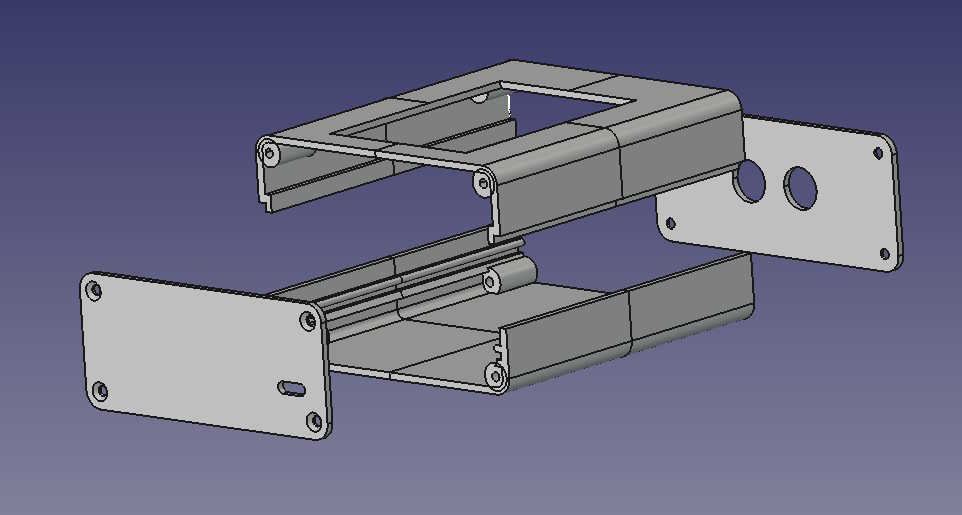
As a template I used the design of a typical extruded aluminum enclosure. This consists of a bottom half and a top half which are held together by a front and back plate which are screwed onto them using 8 screws. The screws sit in threaded inserts in the corners of the bottom and top parts. The PCB can be inserted into a slot in the bottom part.

I already had an enclosure for my recent project but for comparison and as an exercise I decided to copy this enclosure and build it as a 3D print. However, I also wanted my design to be generic enough to allow for easy modification for future projects.

Parametric Design in FreeCad

FreeCad supports parametric designs with its speadsheet feature. Before even drawing the first sketch you set up a table with all relevant dimensions in your design and give each entry a symbolic name (alias). Instead of using fixed numbers you then use these aliases when assigning dimensions to the parts of the design. If you later decide to change any of the sizes you just modify the respective entry in the spreadsheet and the model will be recomputed automatically.

First Steps

I started with a design for the bottom part. The height of slot for the PCB was 1.8 mm and the M3 threaded inserts were to go into 4 mm wide holes.

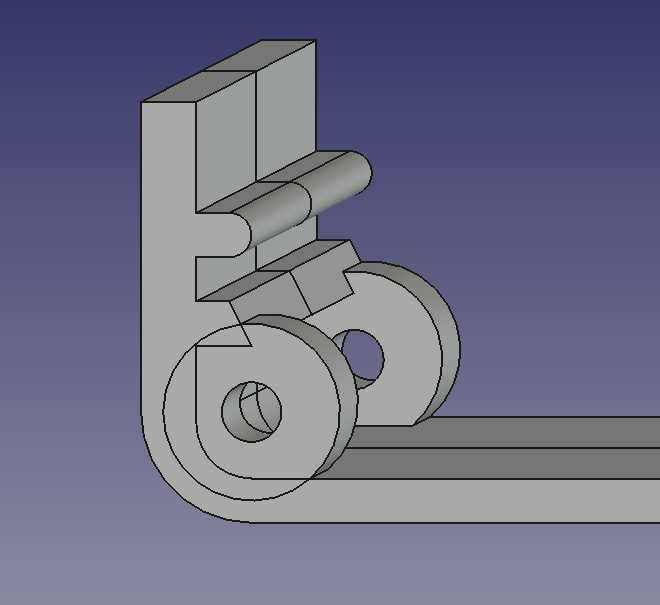
Enclosure Bottom 1st design
Enclosure bottom 1st design

The slicer program I used was OrcaSlicer and the printer a FlashForge Adventurer 5M.

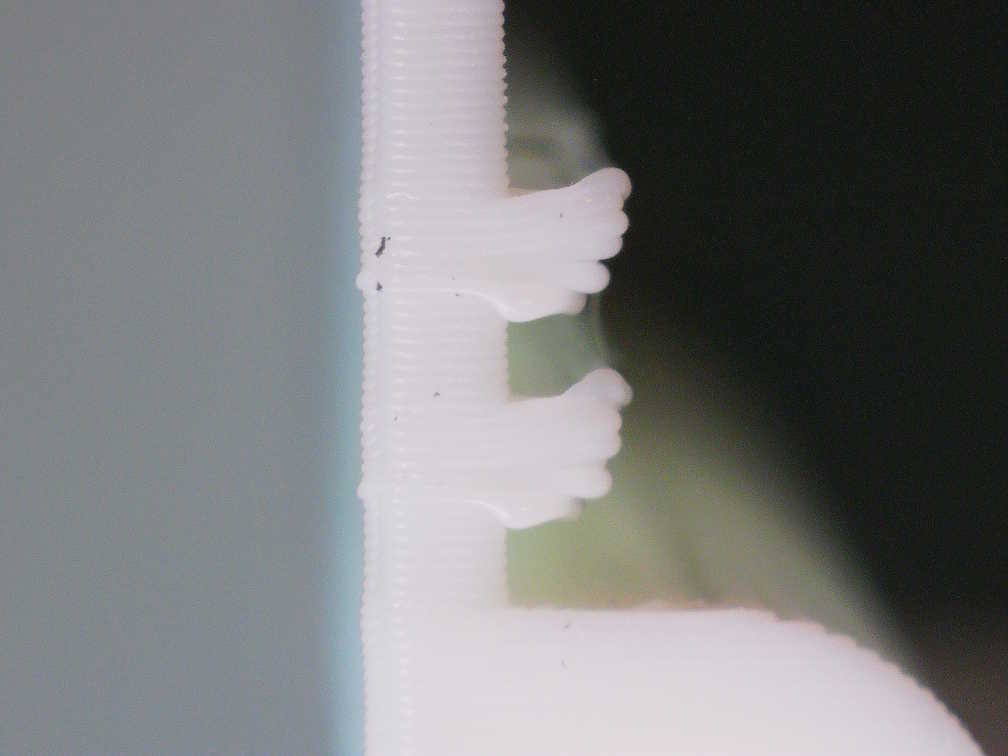
The results of a first print with PLA and a layer height of 0.2mm were quite disappointing. Under the microscope one can see that the edges of the two overhangs are pulled upwards and the first layers of the overhangs droop. Obviously there is no way a PCB can fit into the slot.

Enclosure Bottom 1st Design Print

In a second iteration I changed to 0.1mm layer height, widened the slot and rounded the edges of the overhangs. This improved the results a bit, especially the smaller layer height, but the edges still got pulled up somewhat.

In a third iteration I added a downward pointing chamfer to the lower overhang and this solved the problem. I also decided to not use threaded inserts but to put the screws directly into the plastic. For this I reduced the diameter of the holes to 2.7mm. For the Vcal100 PCB to sit at the proper height I moved the slot downwards a few mm.

A closer look at the printed model of he previous iteration had shown that the side walls were printed thinner than what the design said so I made them wider by half a mm.

Enclosure Bottom 2ndt design
Enclosure Bottom 2nd Design

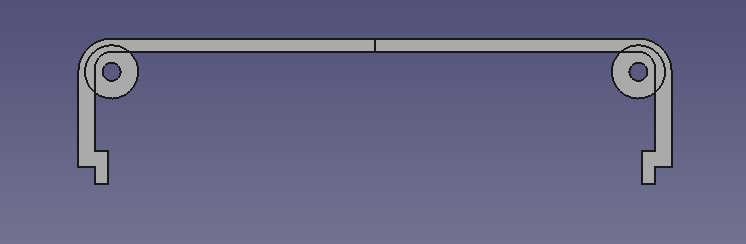
Designing the Top

Apart from the slot for the PCB the top basically has the same shape as the bottom. The lower part of the side walls jump inwards to cover any slits where bottom and top meet.

For Vcal100’s display the top also has a rectangular cutout.

Parametric Enclosure Top

Front and Back

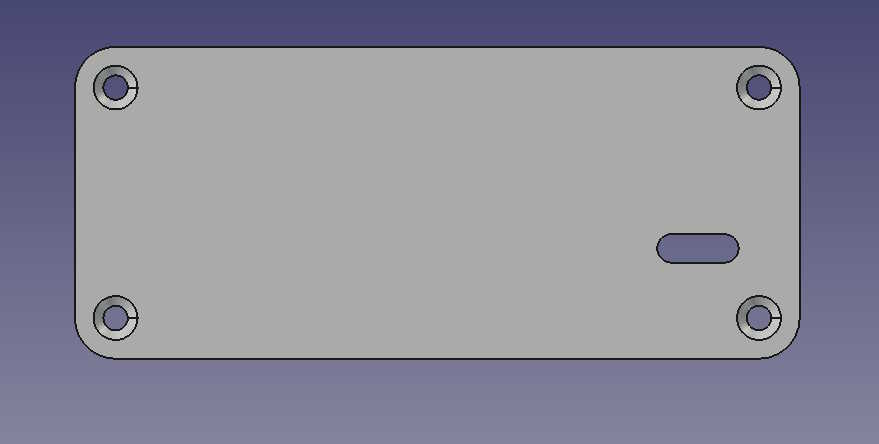
Front and back are simple flat pieces of material with chamfered holes in the corners.

The front for Vcal100 has a slot for a USB connector and the back two holes for banana connectors. The chamfers I designed were probably not deep enough and the print was not very clean so I had to rework them slightly for the screws to be flush with the surface.

Enclosure Front
Enclosure Front

Assembly

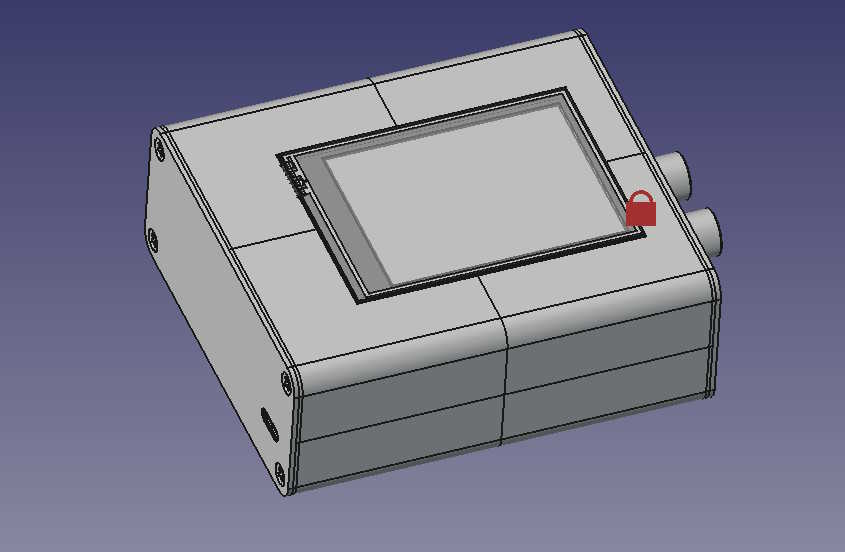
To determine the exact positions and dimensions of cutouts and holes I used measurements taken in KiCad and drawings from component datasheets. I also found an STP-file for the TFT display used in the project. To see if it all fits together nicely, I imported the STP-files of the display and my board into FreeCad and created an Assembly in the Assembly workbench.

ParametricEnclosureAssembly
Enclosure Assembly

Results

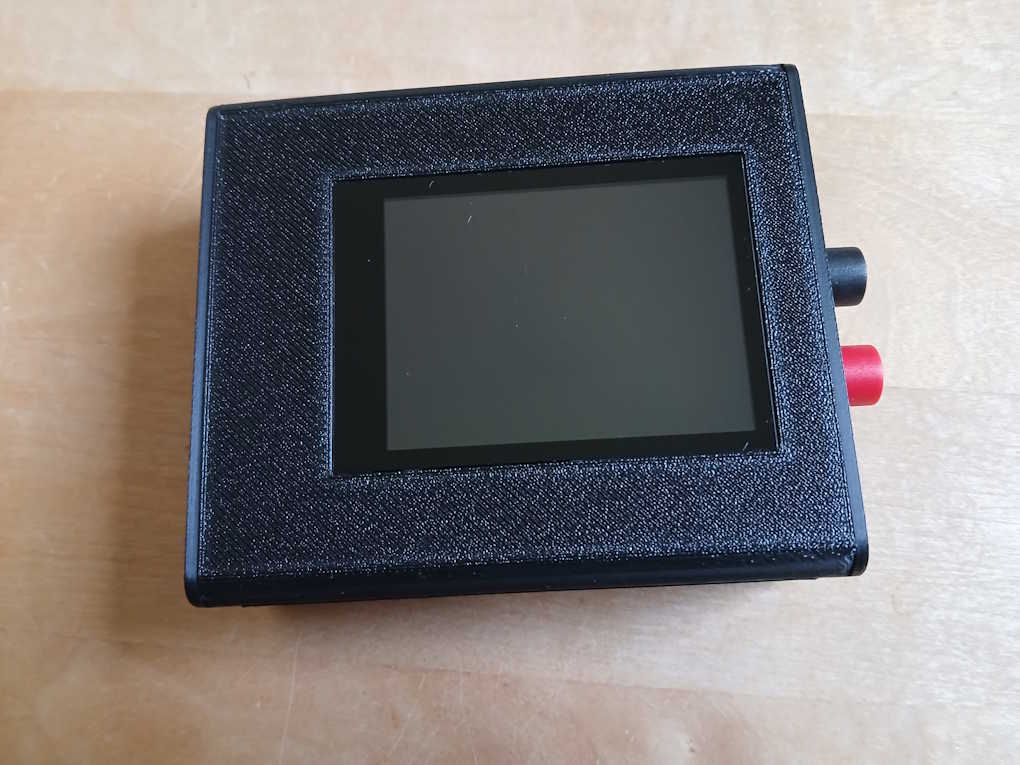
Apart from minor blemishes the final print turned out very satisfactory. The display fits perfectly and I like the structured surface finish. The screws have a tight fit and with a length of 10 mm I am not afraid that the threads in the PLA will ever tear out.

ParametricEnclosureFoto
Enclosure Foto

The FreeCad project can be downloaded from the Download section.